Crush Your Interviews
In Total Stealth.
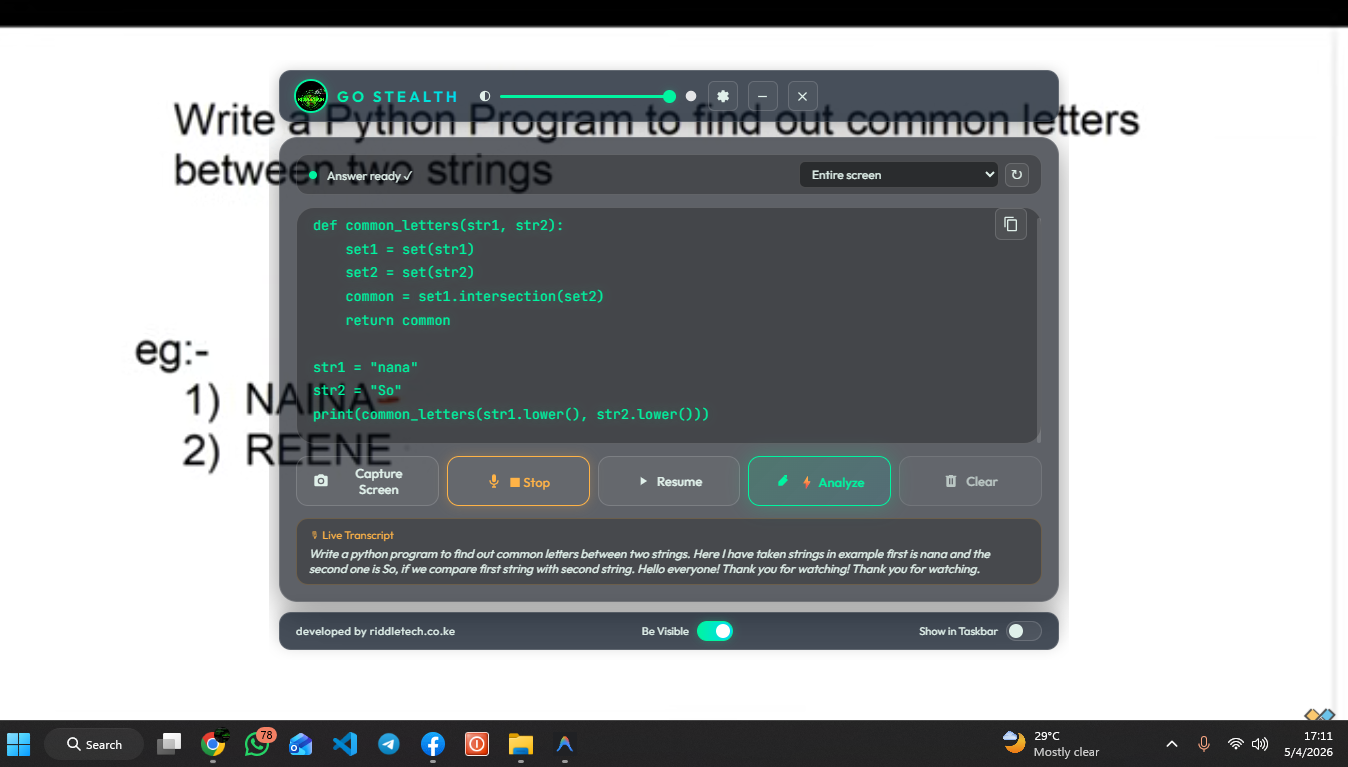
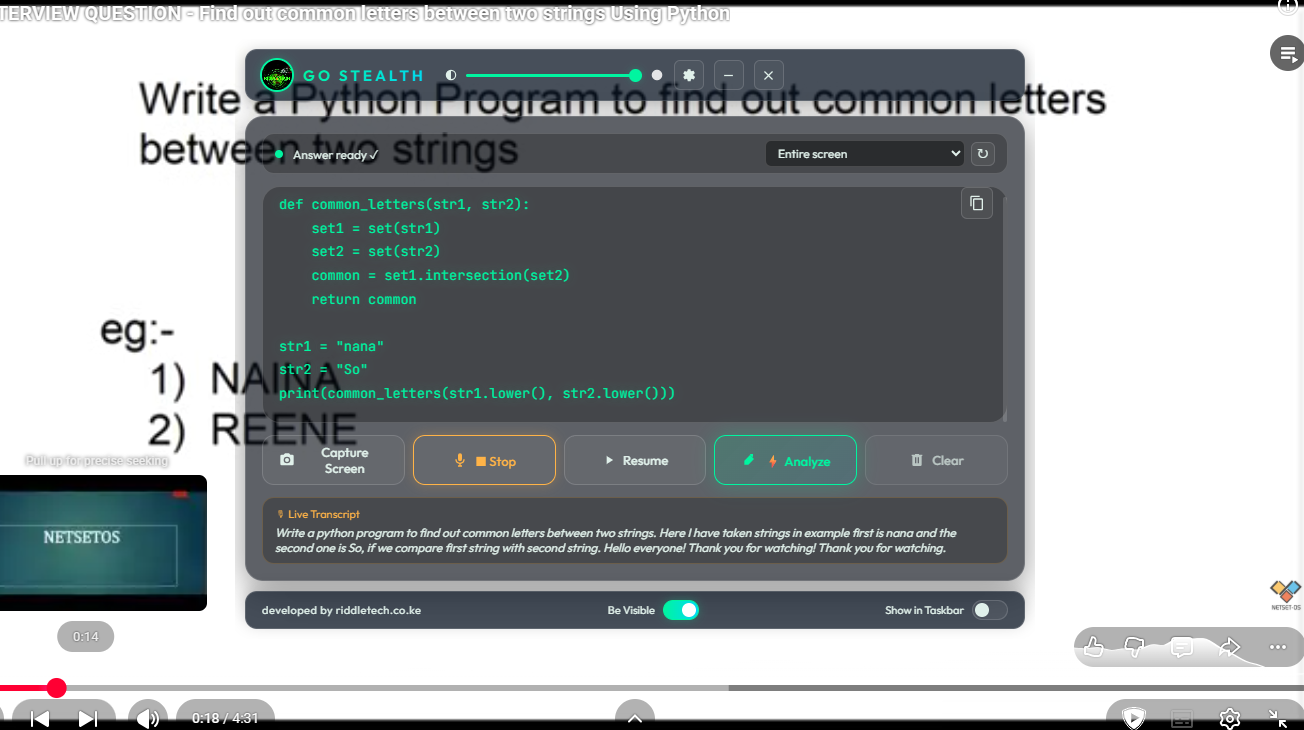
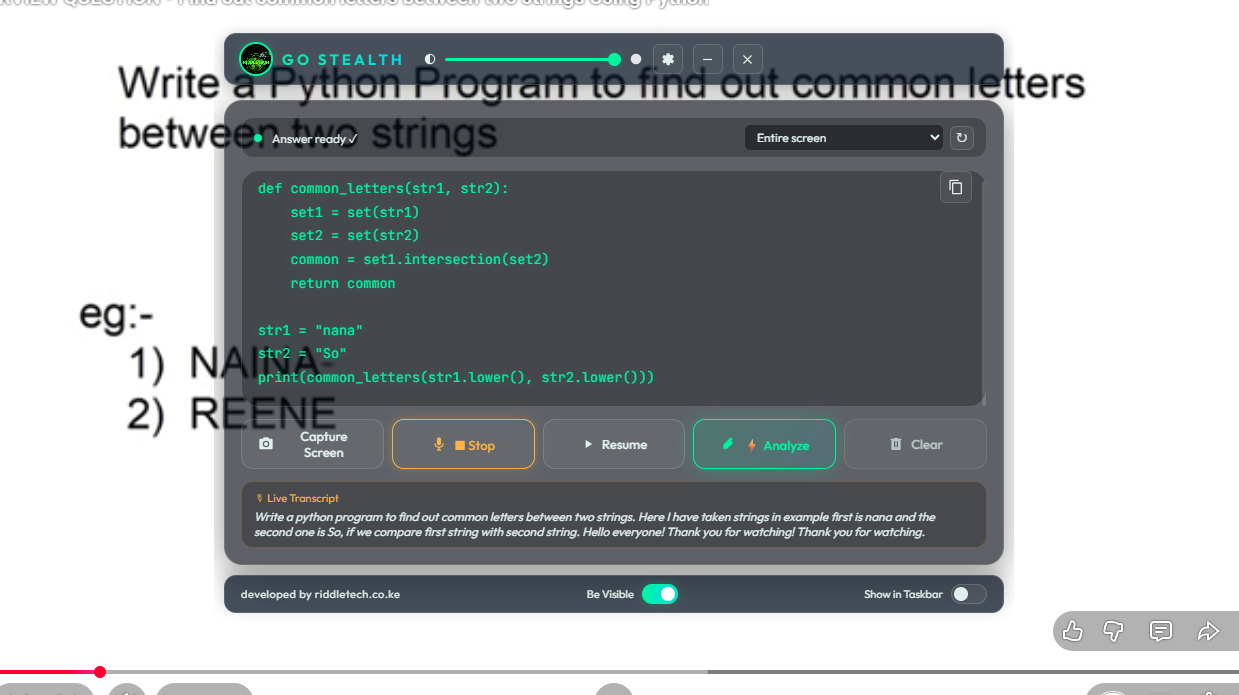
The first native AI co-pilot designed to be completely invisible to screen recording, proctoring tools, and OBS.
Download Go Stealth
Windows 10/11 Only
The first native AI co-pilot designed to be completely invisible to screen recording, proctoring tools, and OBS.
Utilizes Windows DWM affinity to hide your window from screen captures, screen sharing, and recording software.
Listens to the interviewer directly from your system output, ensuring 100% transcript accuracy without echo.
Switch between Gemini 1.5 Flash, Groq Llama 3, OpenAI, and Mistral to find the best logic for your task.
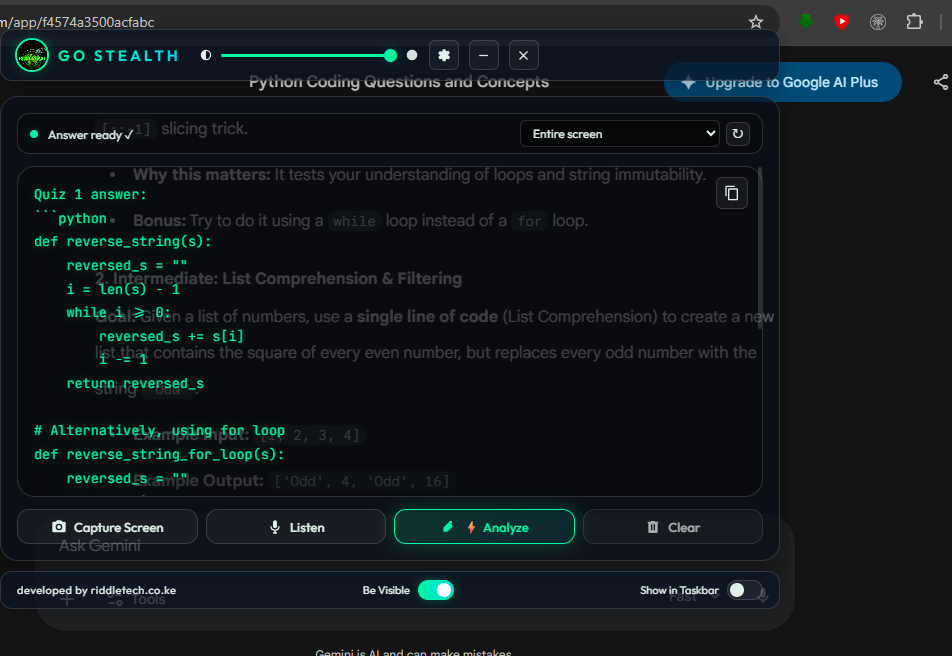
Get raw code solutions and technical answers delivered directly to your floating glass UI in seconds.
Open Go Stealth. Select the window you want to monitor (e.g., your browser or IDE) from the dropdown.
Click the ⚙️ icon to enter your AI provider keys. This ensures your data stays private and uses your own limits.
Use Capture for screen-based questions or Listen to transcribe live conversation. The AI handles the rest.
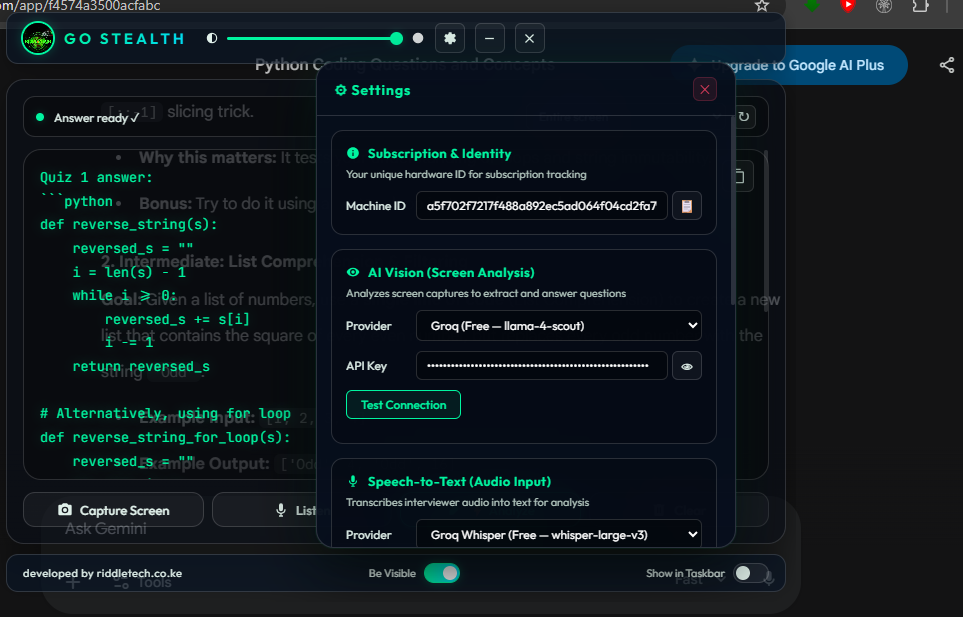
Go Stealth requires an API key to function. Here is how to get them for free or low cost:
 Google Gemini